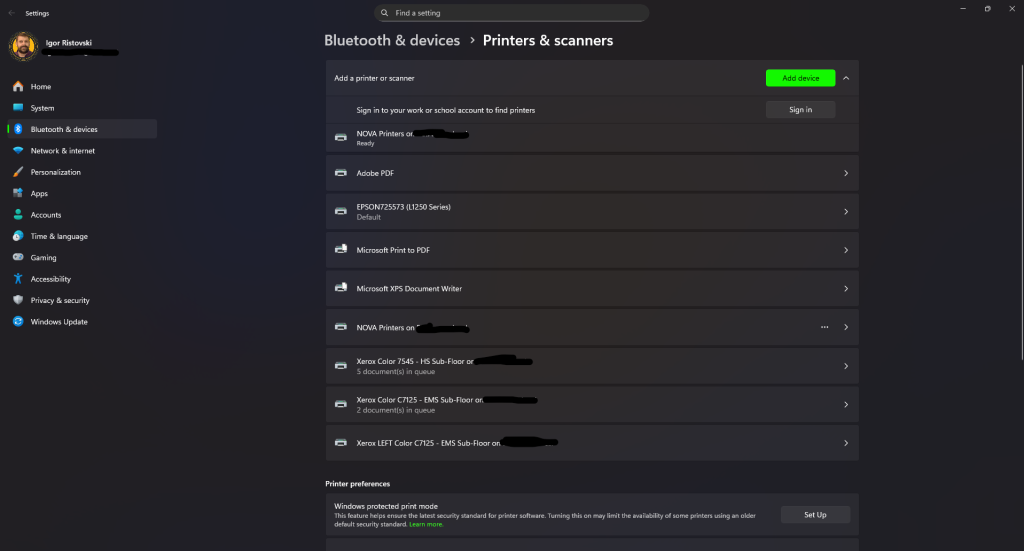
The printers help us get documents out for our needs. Either for tests, handouts or materials.
In the following video you will be able to see how to add a printer. Our school relies on 1 device in the cloud that will allow you to print on any printer that has PaperCut installed. Once you swipe your card you should be able to see the document that you want to print and be able to print it out.
Please note that large amounts of prints need to be approved by division principal and sent to security for printing. Do not print large ammounts of documents on the publically available printers as others may need them.
As always if you have any questions feel free to let us know via ithelpdesk@nova.edu.mk